Delegable function for Power Apps + SharePoint List data sources
Overview
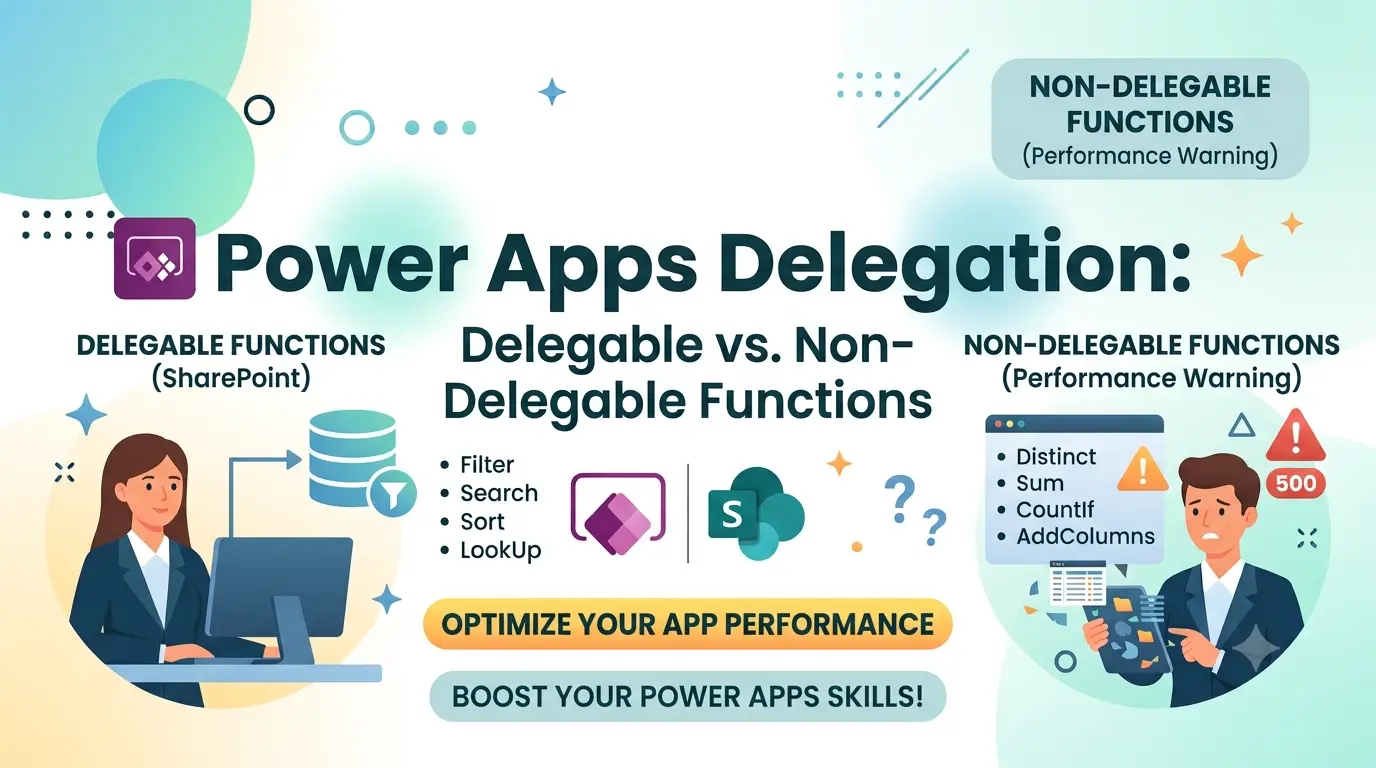
Delegation determines whether Power Apps pushes a Filter, Sort, or aggregation operation to the data source (SharePoint) for processing, or pulls records locally first and processes them on the device. Delegation support varies by data source — SharePoint is one of the more limited connectors, so the tables below are scoped to it. This is what your dummy Sales Data list (3,000 rows, above the default 2,000-row delegation limit) is designed to help you test.
Delegable Functions & Operators
These are pushed down to SharePoint and evaluated against the full list, regardless of size.
| Function / Operator | Notes |
| Filter, LookUp | Delegable when the predicate uses only delegable operators/columns below. |
| = , <> | Works on Number, Date, Choice, single-line Text, and Yes/No columns. |
| < , <= , > , >= | Works on Number and Date/DateTime columns. |
| StartsWith | Single-line Text columns only. |
| And, Or, Not | Delegable only if every sub-condition inside is also delegable. |
| Sort, SortByColumns | Delegable on Number, Date, single-line Text, and Choice columns. |
| IsBlank (on a column) | Delegable in most cases. |
| Sum, Average, Min, Max (via Filter) | Delegable on Number columns in recent versions — historically limited, verify against your app version. |
| In (Choice / Lookup columns) | Delegable in current versions of Power Apps. |
Non-Delegable Functions & Operators
These are processed locally after Power Apps retrieves data — results are capped at the app’s data row limit (default 500, configurable up to 2,000 in App Settings > Advanced).
| Function / Operator | Why It’s Non-Delegable |
| Search() | Never delegable to SharePoint. |
| Filter on multi-line Text columns | Multi-line text (e.g. “Notes”) is never delegable. |
| Len() | Not delegable. |
| Left, Right, Mid, Concatenate, & | Text manipulation inside a filter predicate is not pushed down. |
| Filter(Sort(…)) / Sort(Filter(…)) | Nesting can break delegation depending on order — test explicitly. |
| CountRows(Filter(…)) | Inherits non-delegability if the inner Filter is not delegable. |
| Distinct | Not delegable against SharePoint. |
| GroupBy | Not delegable. |
| Any calculated / computed column reference | Formula columns are not delegable. |
| Mixed And/Or with one non-delegable branch | The whole expression becomes non-delegable, even if the other branch alone would qualify. |
| <> on Choice columns (older versions) | Historically an exception — worth testing directly on your environment. |
Example Test Formulas
Try these directly against the SalesData list to see delegation warnings in action:
| Formula | Expected Result |
| Filter(SalesData, TotalAmount > 5000) | Delegable |
| Sort(SalesData, OrderDate) | Delegable |
| Filter(SalesData, “gift” in Notes) | Not delegable (multi-line text) |
| SortByColumns(Filter(SalesData, “gift” in Notes), “TotalAmount”, Descending) | Not delegable (inherits from Filter) |
Practical Notes
- The blue warning triangle in the Power Apps formula bar is ground truth — trust it over any static reference, including this one.
- Microsoft has actively expanded delegation support over recent releases (e.g. more aggregate functions became delegable) — verify current behavior against the official Power Apps delegation documentation for your app’s version.
- Mixing a delegable and a non-delegable condition inside the same And/Or makes the entire expression non-delegable, even though each half might work fine on its own.
- Multi-line text columns (like “Notes” in the sample data) are never delegable — useful as a deliberate negative test case.